Catch the idea. Keep things moving.
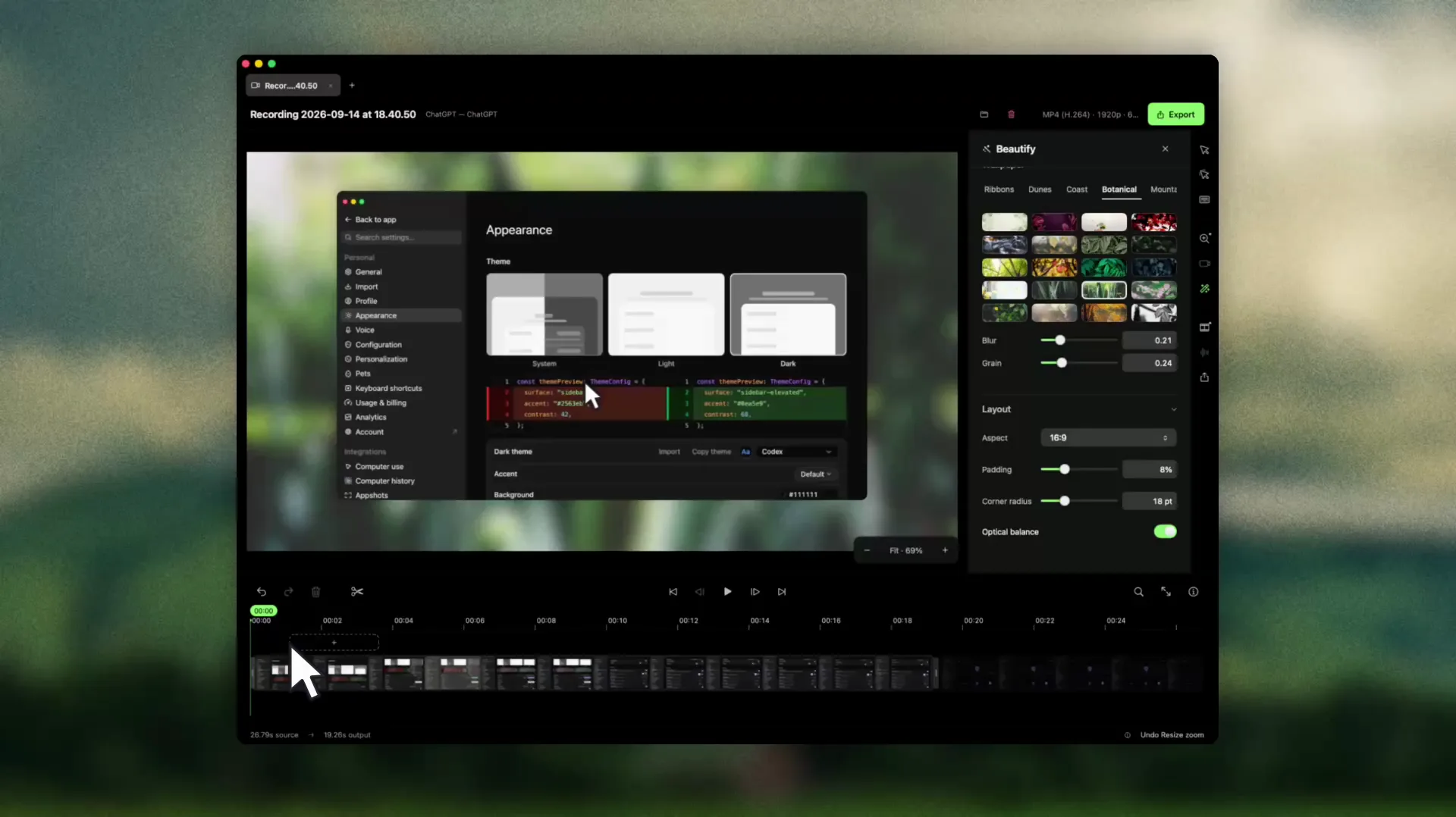
Grab a region, window or full screen. Add an arrow, highlight the detail, then copy, save or drag it into your next conversation. Got a long page? Scrolling capture in Pro turns it into one tall image.
Capture and record your Mac screen, add a little bold, and give your ideas a look of their own. Turn screenshots and recordings into demos, tutorials and slides worth sharing.
Download free for MacSee pricing
Free forever. No card. No watermark. macOS 14 or later.
9 tools
Capture
Annotate, highlight and make your point, all included in Free.
16
Beautify
Built-in palettes to make your screenshots feel like yours.
0
Record
Watermarks on screenshots or recordings, on Free and Pro.
Capture, editing and text recognition happen on your Mac. Orbshot does not upload your screenshots or recordings. You choose where to save and share them.
Grab a region, window or full screen. Add an arrow, highlight the detail, then copy, save or drag it into your next conversation. Got a long page? Scrolling capture in Pro turns it into one tall image.
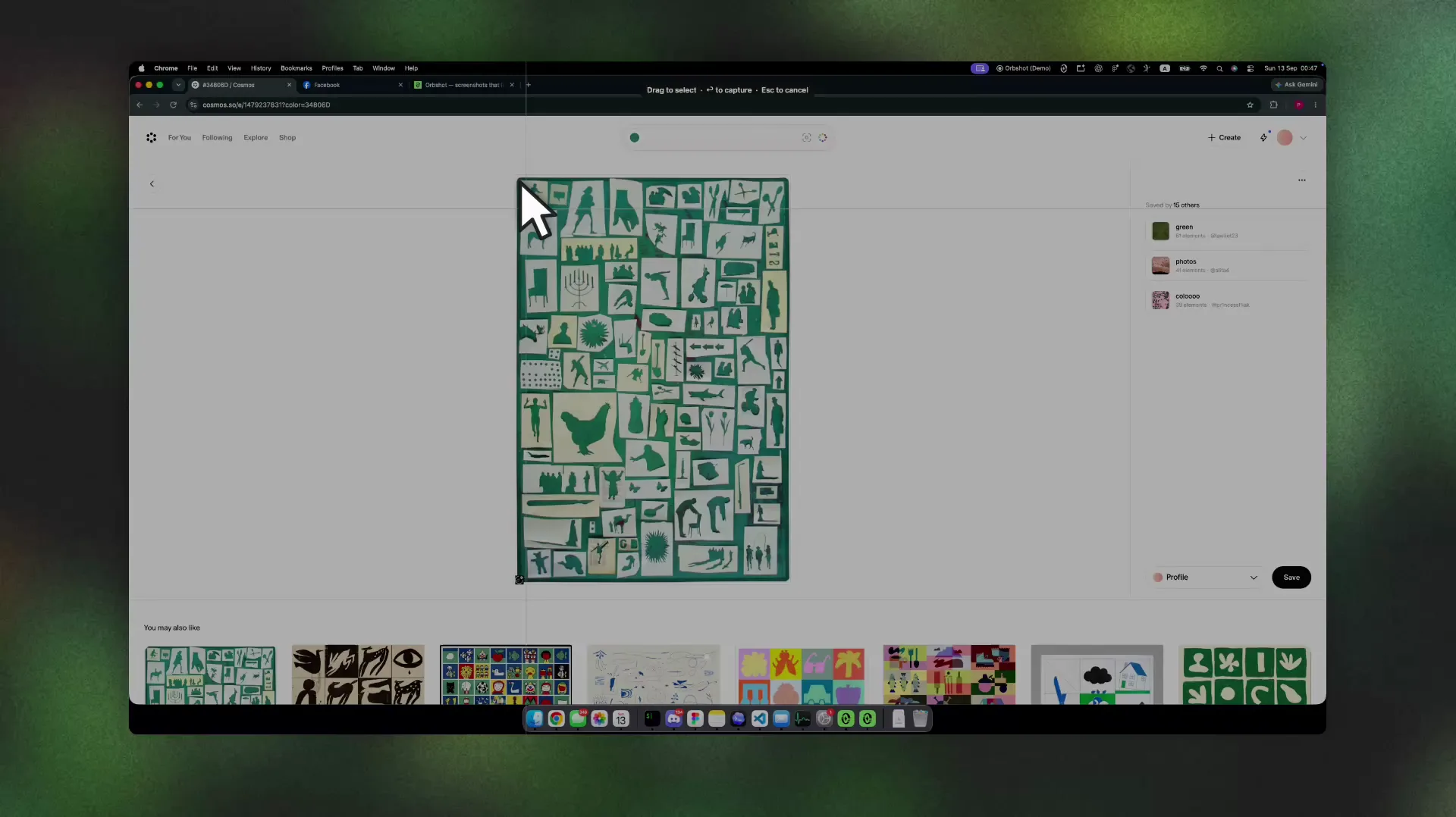
Give your screenshots a look of their own with backgrounds, rounded corners, padding and shadows. All 16 built-in palettes are free. Pick an aspect ratio for your next slide, README or app listing.
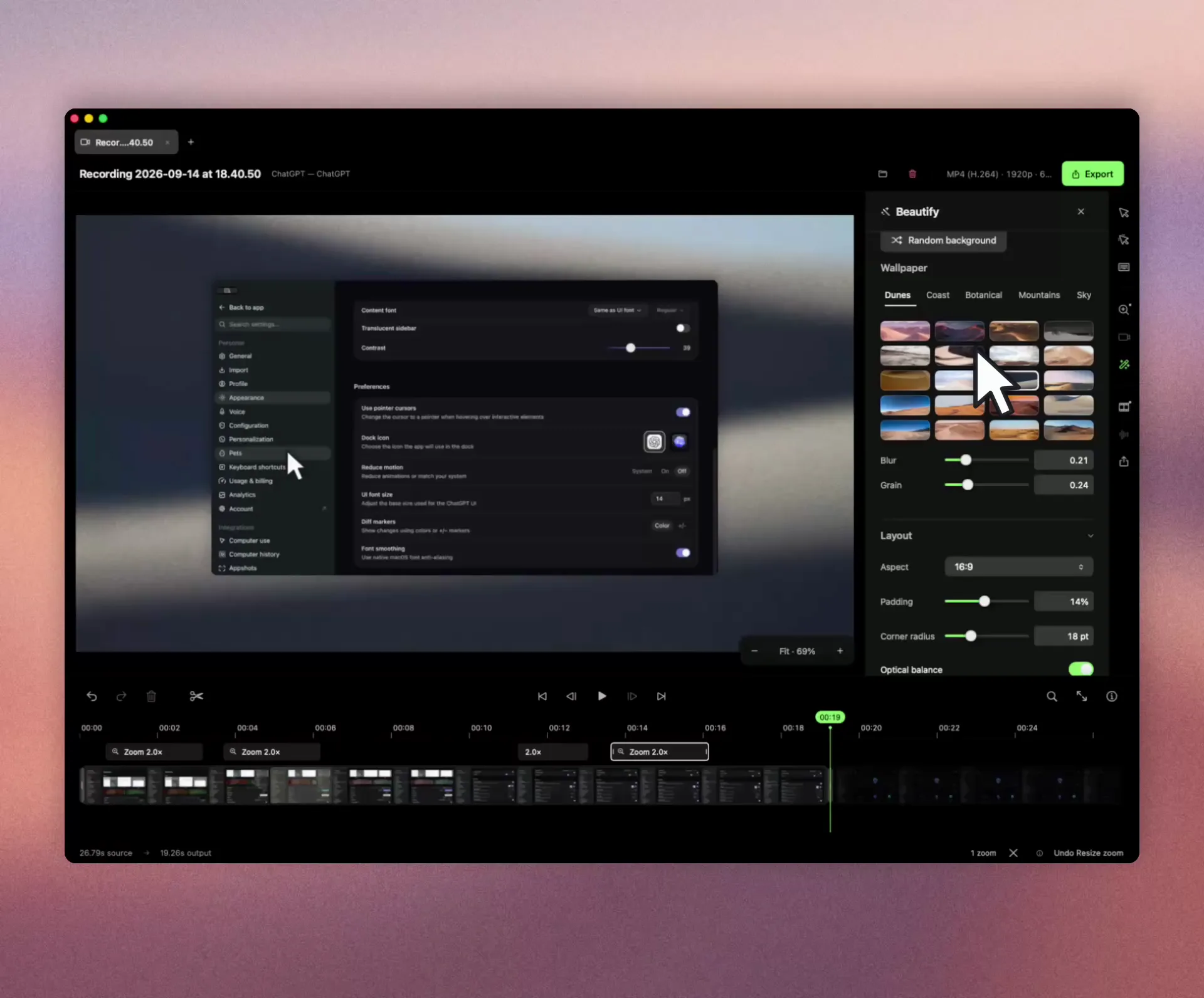
Walk through a feature or teach your next how-to. Auto-zoom, a smooth pointer, click effects and keystroke badges help viewers follow along. Keep the recording project to adjust those effects and export a new version whenever you need.
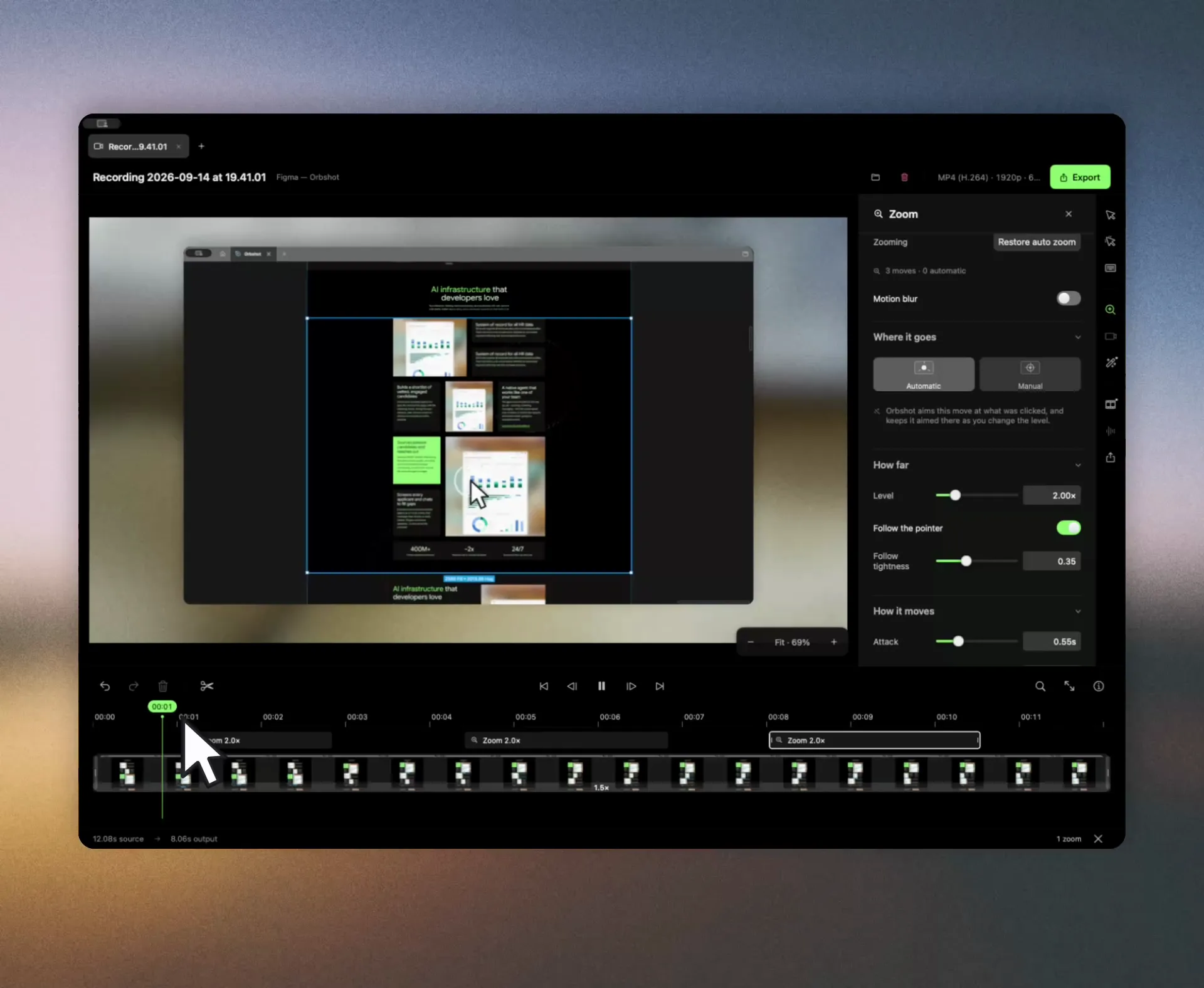
Keep screenshots and recording projects on your Mac. Capture and edit offline, then export a file when you are ready to share.
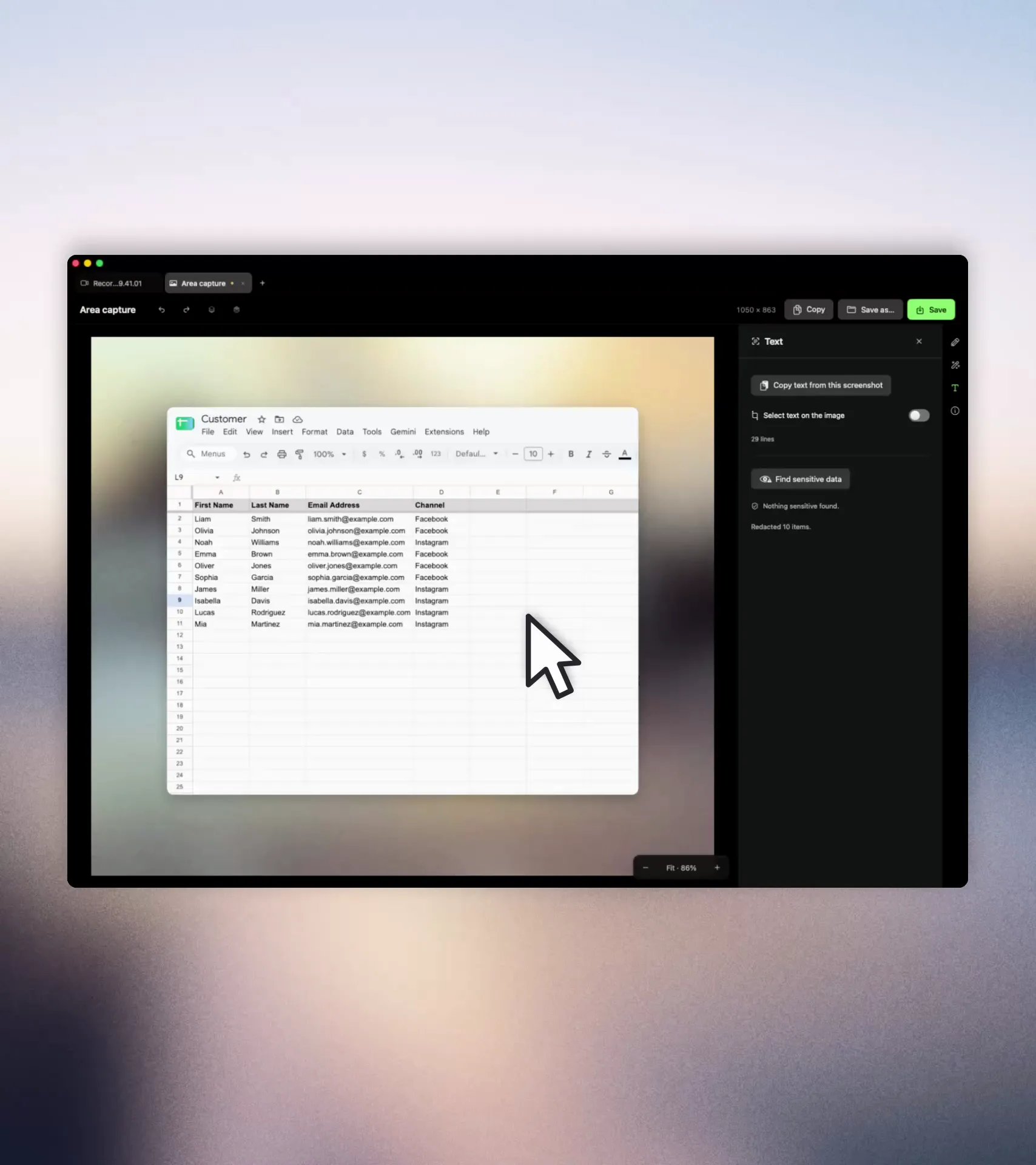
Copy text straight from a screenshot with on-device recognition. Review detected sensitive details and choose what to blur with Pro before sharing. Language support depends on macOS.
Online licence activation and refresh send licence and device details. Orbshot also checks for app updates. These requests do not include your screenshots or recordings.
1280 px
Free video export, measured on the long edge, at up to 30 fps.
30 captures
Recent captures kept in Free history. Pro unlocks unlimited history.
2 Macs
Included with each Pro or Lifetime licence.
Start free with screenshots, styling and recordings with no watermark. Pro adds higher-resolution exports, scrolling capture, sensitive-data blurring and more.
Pro: ฿1,990 for 12 months, paid once, for two Macs. Check the currency and final total before paying.
Capture and annotate screenshots, style them with all 16 built-in palettes, copy text and record videos of any length. There is no time limit, card requirement or watermark. Free video exports are limited to 1280 px on the long edge at 30 fps; GIFs to 480 px at 10 fps. History keeps your 30 most recent captures.
Pro unlocks higher-resolution video exports, 60 fps, HEVC, higher quality settings, full-size GIFs and a camera bubble in exported videos. It also adds manual zooms, your own backgrounds, scrolling capture, sensitive-data blurring and unlimited history.
Yes. Capture and editing work offline. Pro needs an internet connection to activate and refresh its licence. Once activated, it works offline while the stored licence is valid, including its grace period. After that, Free limits apply.
After the licence and its grace period expire, Orbshot returns to Free limits. Your saved projects remain on your Mac and can still be opened, edited and exported within those limits.
Orbshot runs on Apple silicon and Intel Macs with macOS 14 or later. Pro and Lifetime include two Macs at a time. You can release a seat from your account page when you move to another Mac.